Start with the student.
Find student records, identification photos and barcode mappings in the roster.
Explore student identification
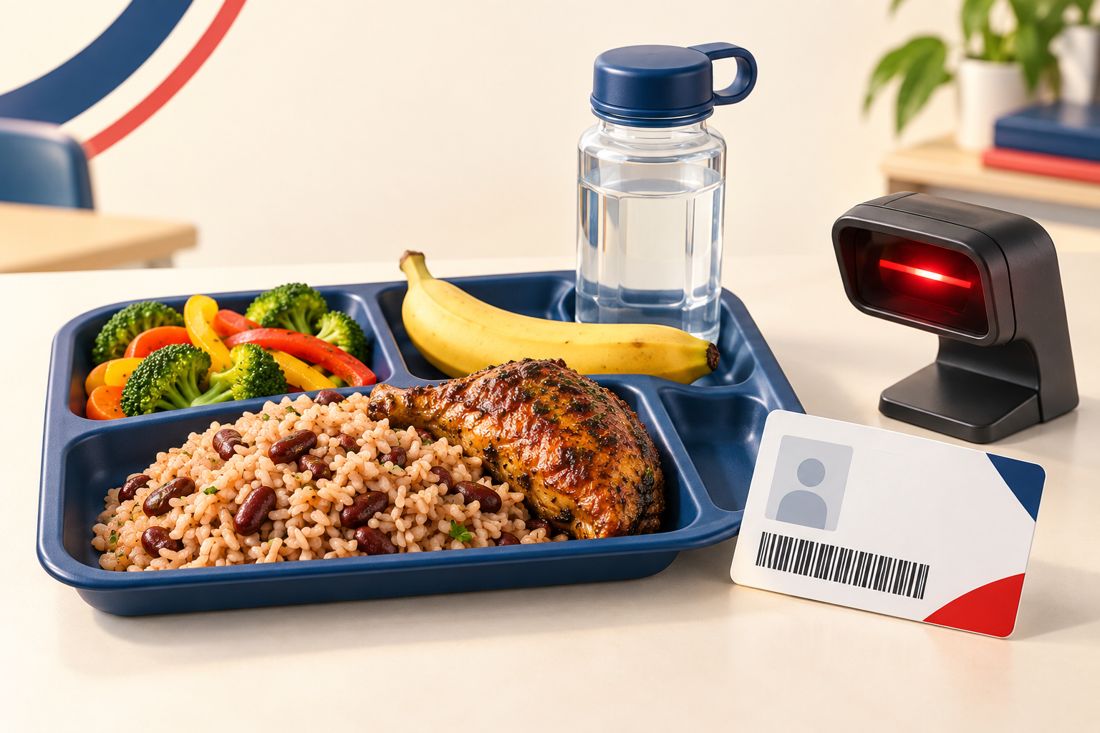
Staff use the student roster and barcode mapping to identify the right record before recording a lunch collection.

Connect student identification, lunch collection and daily reporting in one practical school workflow.
Explore each step to see how the essential work connects.
Find student records, identification photos and barcode mappings in the roster.
Staff use the student roster and barcode mapping to identify the right record before recording a lunch collection.
Identify students by barcode and record collections through the staff workflow.
The collection screen connects student identification with lunch records, supporting staff as they manage the daily service.
Review collection records and daily reports to support school administration.
Use lunch reports to review collections and support follow-up within the school's authorized staff workflow.
The dedicated school portal keeps operational student and lunch workflows separate from this public product website.
For authorized school staff. For account assistance, contact your school administrator.
Useful answers for school staff and visitors.
Use the Pembroke Hall High School portal link above. It opens the school's dedicated application at pembrokehhs.smartpathjm.com.
This public website introduces the product. Student records and operational workflows are accessed through the authenticated school application.
Contact your school administrator for account access and recovery assistance.
Tred SmarthPath Student Lunch Management System brings the essential school lunch workflow together.